AdaptiveWork Fun with Portals Home
Once you complete this course: You’ll be able to install the Portal Home from the Planview AdaptiveWork Apps marketplace, update the portal background image, and button colors to match your brand. We’ll also walk through some ways to tinker with the coding to address common hiccups, and explore some enhanced features that make the User-Interface more visually appealing and functional.
Meet your Instructor:
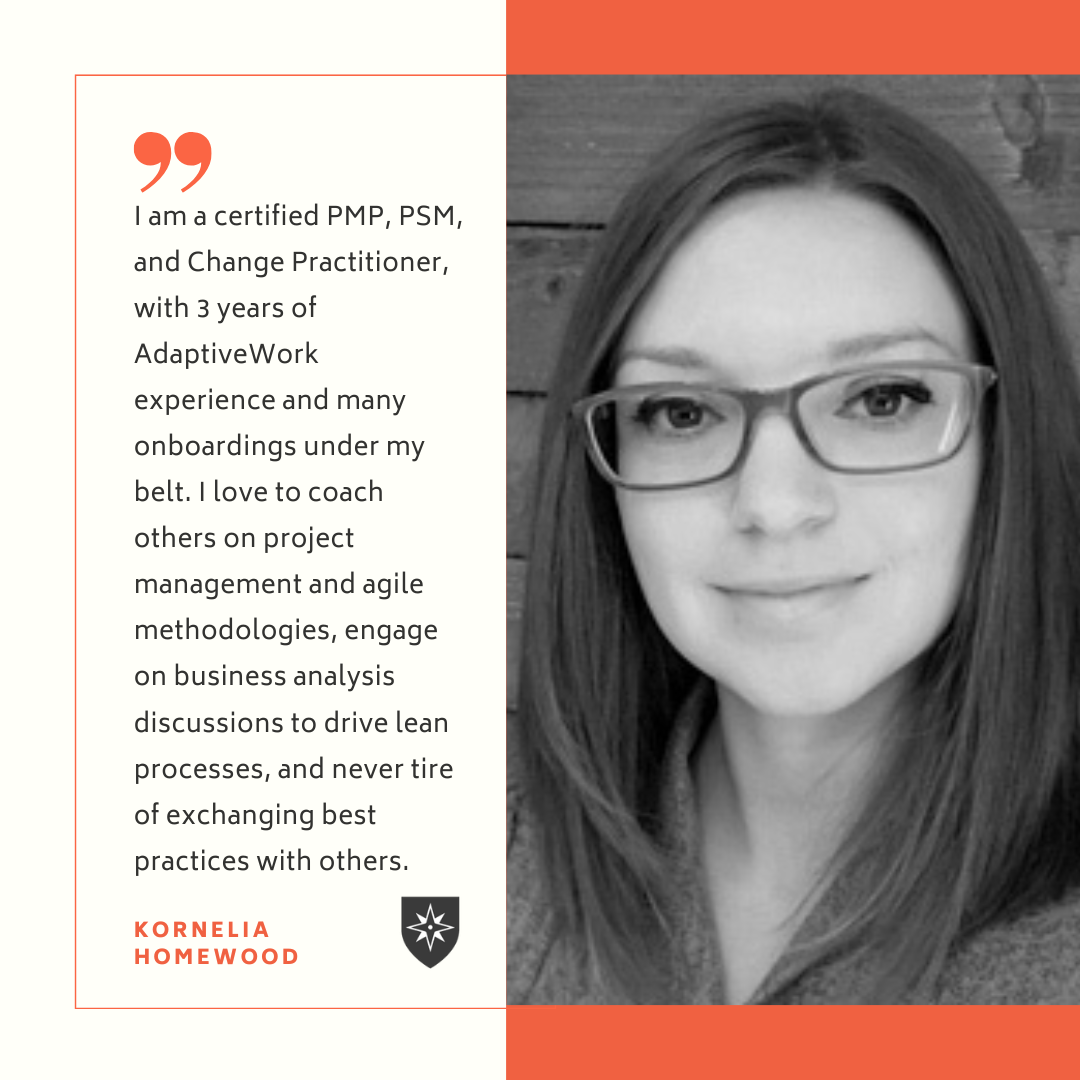
Kornelia Homewood, PMP
Kolme Group
https://kolmegroup.com/about-us/our-team/
DISCLAIMER: Some content in this course may reference previous product names, branding and/or screenshots. If you see differences between this course and your platform, please be assured that the content is still applicable.